Photo to 3D part
Snap a photo. Print the part.
Your camera is now a measuring tool. Turn a photo into a holder, a wall mount, or a replacement for something that broke.
01
Photo to object
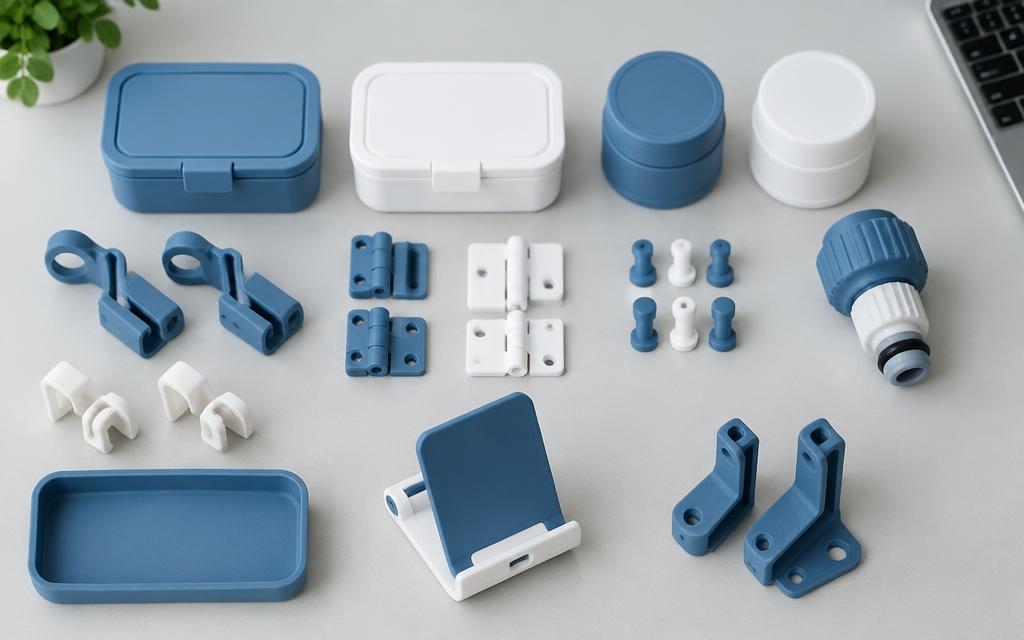
Take a picture of the thing you want to hold, store or protect. Milmetra measures it from the photo and builds a holder or case around it, with the right gap so it slides in without wobbling. Prefer to type the sizes? You can enter them yourself too.
02
Fix a broken part
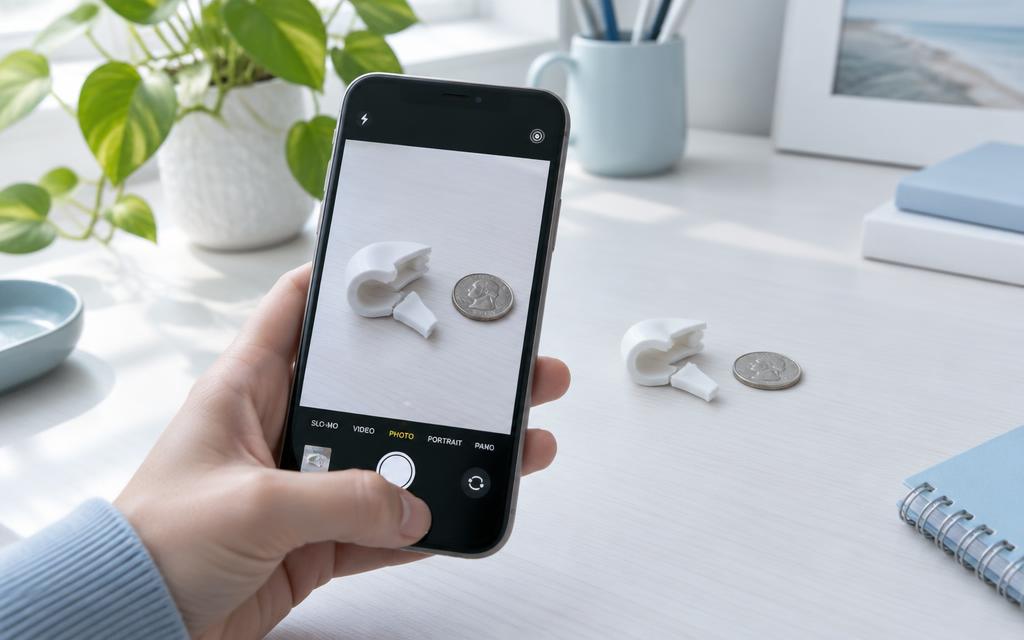
Clip snapped? Knob cracked? Photograph the broken piece from up to three angles, with a coin or bank card beside it for scale. Milmetra identifies the part, works out its key sizes, and rebuilds it, including the bit that broke off. Check the sizes, then print a fresh one.
03
Build a mount from a photo
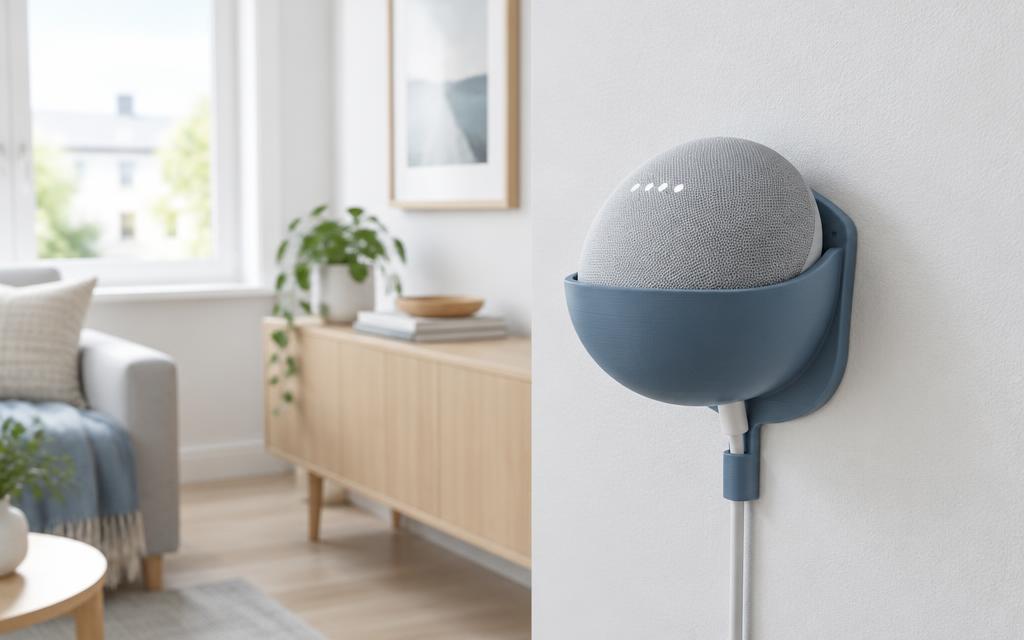
Snap your smart speaker, router or streaming stick and get a wall mount sized to it, with a slot for the cable. Ready-made mounts for Echo Dot (4th/5th gen), Echo Pop, Apple TV 4K and Fire TV Stick are one tap away in the shape library.
Tips for a good photo
- • Get close so the object fills most of the photo.
- • Use even light and avoid strong shadows.
- • Put a coin, bank card or ruler right next to the object for scale.
- • For broken parts, add a second photo from the side.
Your next part is one sentence away.
Works right in your browser. No CAD skills needed.
Open Milmetra Maker