Features
Everything between an idea and a part that fits
Milmetra handles the measuring, the clearances and the file prep, so you can just print.
01
Words to exact-mm models
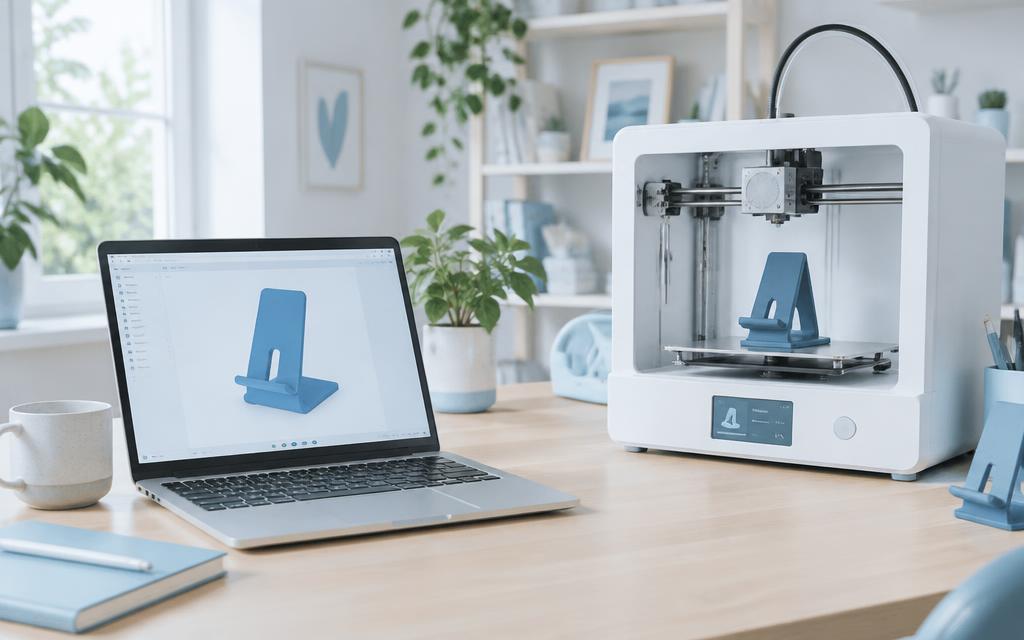
Type what you need — “a wall hook for a 25 mm pipe, 4 mm thick” — and Milmetra builds it from exact measurements. Every export is a watertight STL that slicers accept first time.
02
Snap a photo, print the part
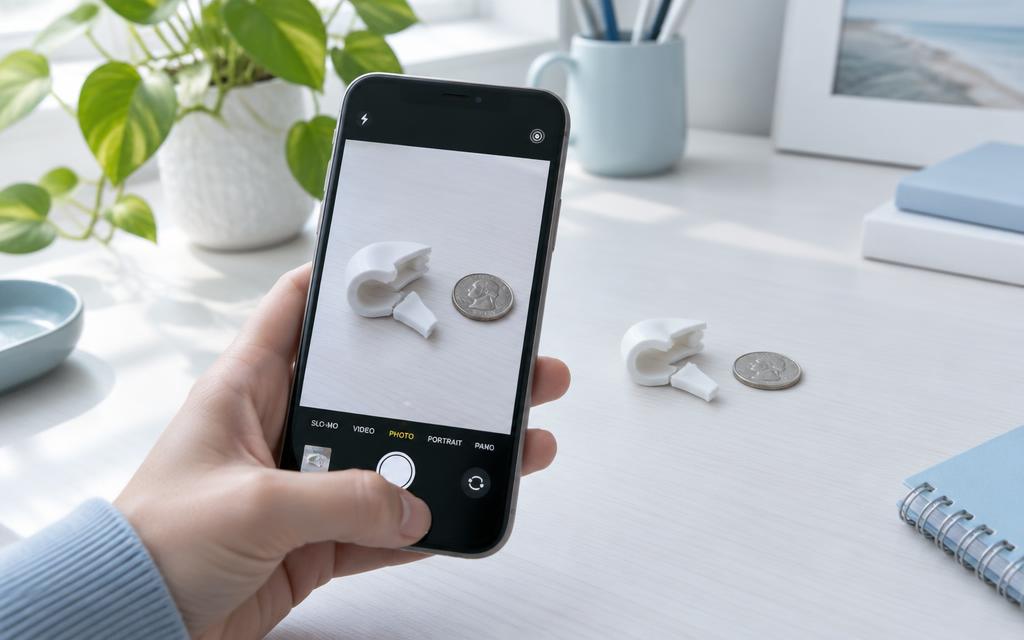
Take a picture with a coin, bank card or ruler beside it. Milmetra measures the object and builds a holder or mount that fits, or works out the shape of a snapped part and rebuilds it, missing piece included.
03
Shape library & templates
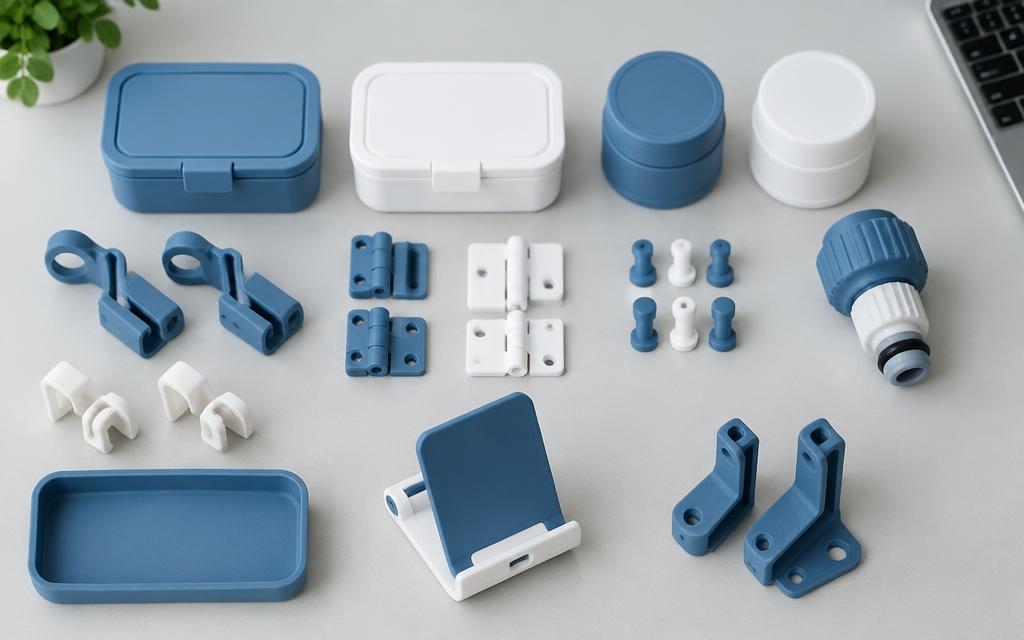
Start from a ready shape and change any size. Device mounts are built around published device dimensions, with the right clearance added for you.
04
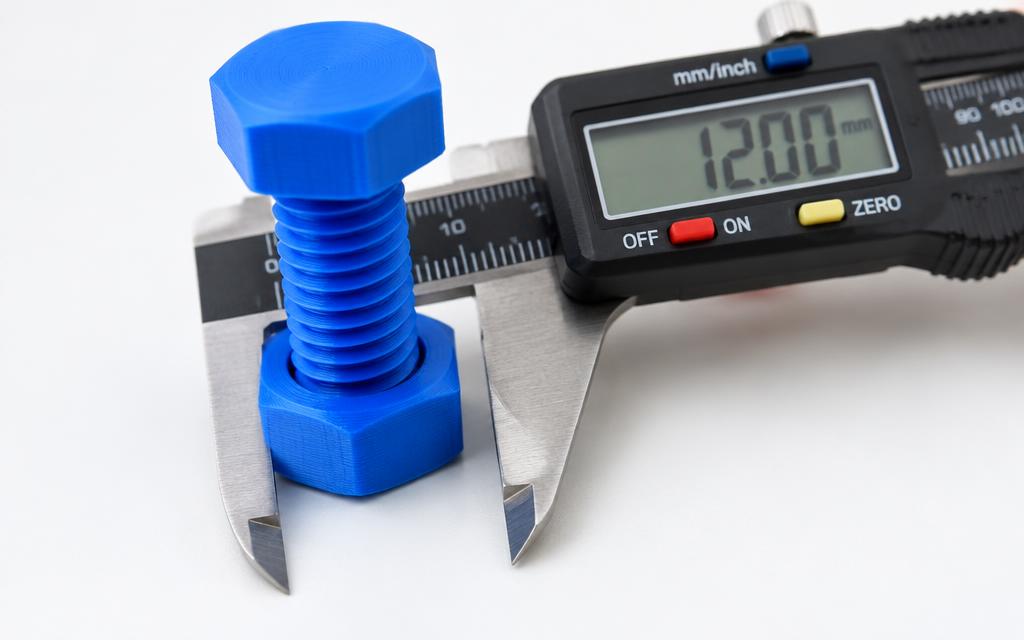
Threads, holes & text
Bolts and nuts that actually screw together, clearance holes for your screws, and text that wraps around round surfaces. Pick the part, and Milmetra places it.
05
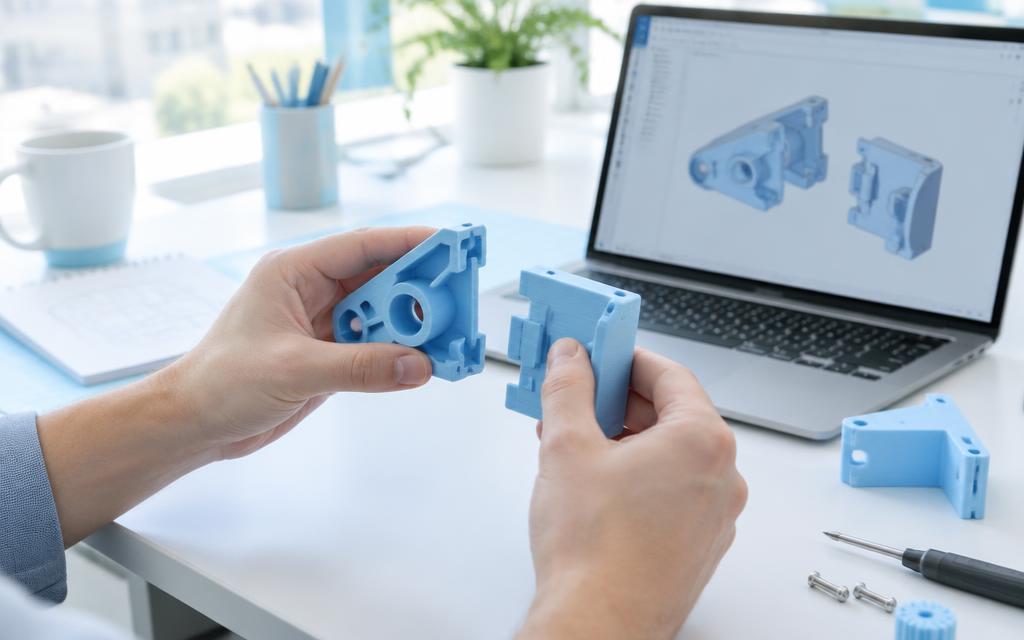
Assembly test
Place one part onto another and Milmetra checks pegs, holes, threads and faces for collisions, so you find a clash on screen instead of after a four-hour print.
06
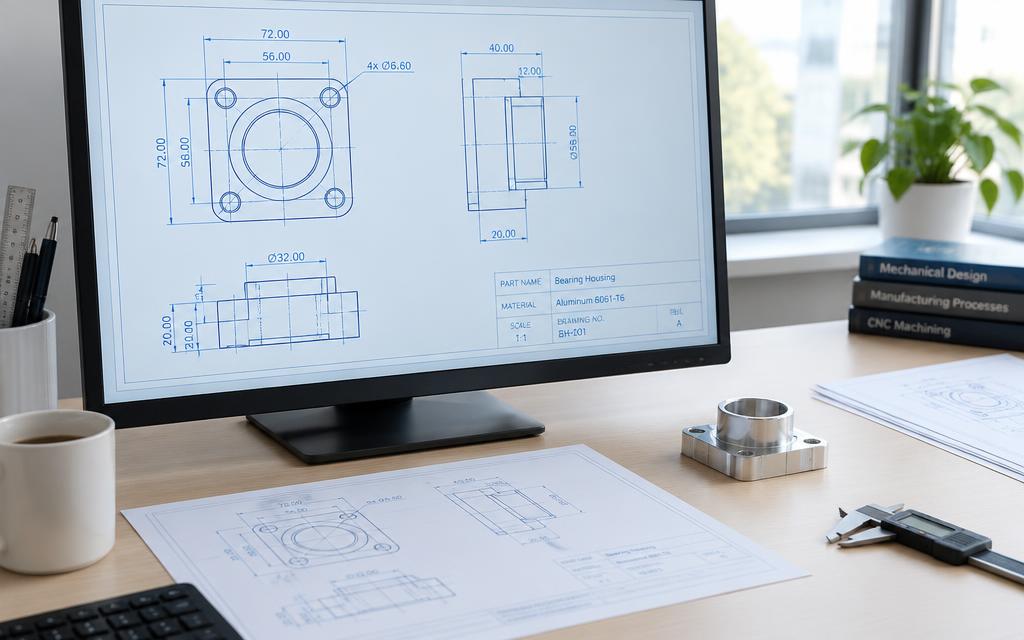
Drawings & CNC
Get dimensioned technical drawings for sharing or machining, plus CNC output when a part should be milled rather than printed.
And more
Small things that save failed prints
Tap to edit
Tap any area of the model and change only that part.
Describe the problem
Explain the job and Milmetra picks the right DIY tool and fills in the sizes.
Fit calibration
Thread, hole, peg and sliding fits saved per printer, material and nozzle.
“Did it fit?”
Tell Milmetra how a print fitted and every future part adjusts.
Import your files
Bring in STL, STEP or OBJ files and keep editing them.
Print-ready export
Automatic print orientation, splitting of large parts and multi-part export.
Your next part is one sentence away.
Works right in your browser. No CAD skills needed.
Open Milmetra Maker